New chart
Percent Stacked Bar Chart
A Percent Stacked Bar Chart is a multi-series Bar Chart which presents the contribution of each value to the sum of all values across categories. The X-axis is intended for percentage terms (from 0 to 100).
Combination of Line and Marker Charts
This scatter chart visualize the distribution of periods in time when system was interrupted contains two series: the first one is line series and it represents the average (mean) values and the markers series shows shows the distribution itself.
quick start pie
Column Chart
Column chart is a kind of bar chart with vertically plotted rectangular bars (columns). This is a basic column chart that shows the income of the company by product.
Column, Spline-Area and Spline Chart
Three different series combined together on one chart with a basic and a secondary Y-Axes.
Line Chart
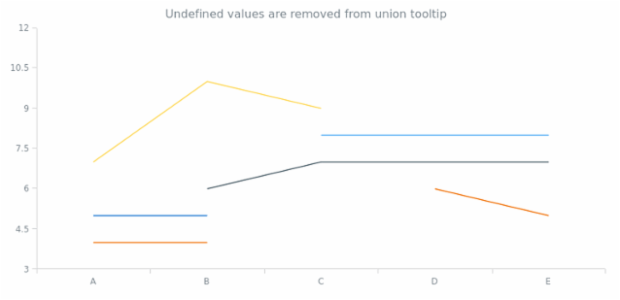
Basic multi-series line chart that shows the changes the different product sales changes over time.
Percent Stacked Column Chart
A Percent Stacked Column Chart is a multi-series Column Chart which presents the contribution of each value to the sum of all values across categories. Y-axis is intended for percentage terms (from 0 to 100).
Stacked Bar Chart with Negative Values
Stacked bar charts are used to compare the quantitative value each part of the category brings to the whole category. This chart shows the distribution of the revenue got from the cosmetic products sold to men and women.
BCT Stacked Column Chart
Combination of 3D-Line and 3D-Column Chart
3D Line and 3D Column Chart combination example.