Stacked Bar Chart
Stacked Bar chart displays sales breakdown for multiple products in several regions. Stacked mode helps to concentrate on comparing sales in all regions while being able to compare total sales as well.
Stacked Bar Chart with Negative Values
Stacked bar charts are used to compare the quantitative value each part of the category brings to the whole category. This chart shows the distribution of the revenue got from the cosmetic products sold to men and women.
Area Chart
An Area Chart (Area Graph) displays quantitative data by coloring the area between an axis and a line. This type is based on a Line Chart and can be used to highlight the total values over time.
Area Chart with Negative Values
Area chart with negative values shows profit trends in Census Bureau-designated regions for a company. Negative profit of the series indicates unsuccessful years.
Column Chart with Negative Values
Multi-series column chart with negative values. Legend is enabled and each item controls series. Different labels formatting is used.
CRUD 01
Multi-Series Bubble Chart
This multi-series bubble chart present information on sportsmen training. The interactive legend helps to control series. Customized tooltip show full information for each point. Series placed on scatter chart.
Stacked Area Chart
Stacked Area Charts with Region-wise sales information. Stacked mode helps to present data as a sum of a whole.
Step-Line Chart
Multi-series Step line chart shows the customer's satisfaction changes over an year. Series represent positive, negative and neutral comments on a site.
Line Chart
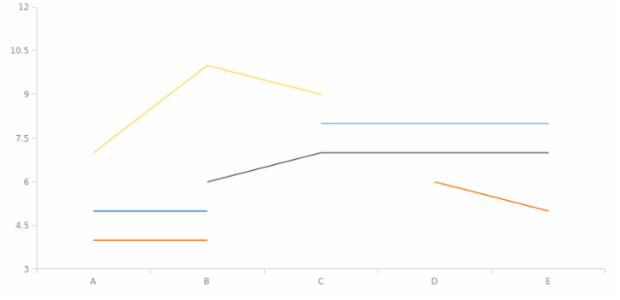
Basic multi-series line chart that shows the changes the different product sales changes over time.