Area Chart
An Area Chart (Area Graph) displays quantitative data by coloring the area between an axis and a line. This type is based on a Line Chart and can be used to highlight the total values over time.
Line Chart
AnyChart - JavaScript Charts designed to be embedded and integrated
Stacked Bar Chart
Stacked Bar chart displays sales breakdown for multiple products in several regions. Stacked mode helps to concentrate on comparing sales in all regions while being able to compare total sales as well.
Stacked Bar Chart with Negative Values
Stacked bar charts are used to compare the quantitative value each part of the category brings to the whole category. This chart shows the distribution of the revenue got from the cosmetic products sold to men and women.
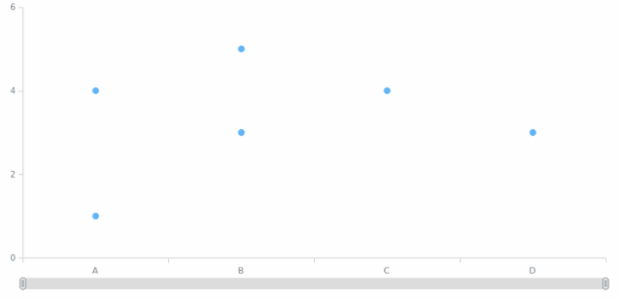
anychart.core.cartesian.series.Marker.xMode
BCT Pie Chart 01
Bubble Chart
A Bubble Chart depicts three dimensions of data: two of them are x- and y-coordinates and the third one is the size of a circle which is plotted as a data point. This chart type facilitates the understanding of different relationships.
Multi-Series Column Chart
Multi-series column chart shows the information about revenue from selling the several products in several states. All series have labels over the columns.
Spline Chart
Spline chart that displays the price of company shares in comparison with the main competitor.
Stacked Area Chart
A Stacked Area Chart is composed of several Area series having their own height and stacked vertically one by one. This type is convenient when one needs to see the variation of each Area series and the variation of the combined value.