Multi-Series 3D Column Chart
A Multi-Series 3D Column Chart describing the revenue from three cosmetic products sales in four states.
Spline Area Chart with Missing Points
Spline area chart compares average humidity changes over the year in two cities. Gaps in one of the series show missing data points in the data set.
Stacked Area Chart
A Stacked Area Chart is composed of several Area series having their own height and stacked vertically one by one. This type is convenient when one needs to see the variation of each Area series and the variation of the combined value.
Step-Line Chart
Multi-series Step line chart shows the customer's satisfaction changes over an year. Series represent positive, negative and neutral comments on a site.
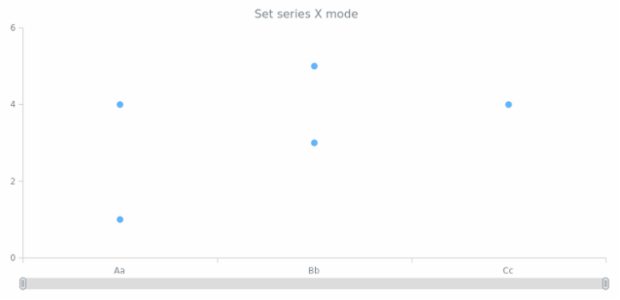
anychart.core.cartesian.series.Marker.xMode
Combination of 3D-Line and 3D-Column Chart
3D Line and 3D Column Chart combination example.
Line Chart
Basic multi-series line chart that shows the changes the different product sales changes over time.
Multi-Series 3D Bar Chart with Z Distribution
This 3D Bar Chart displays top three cosmetic products sales in four regions. The series are redistributed along the Z-Axis instead of being placed along the X-Axis as usual.
Stacked Bar Chart
A Stacked Bar Chart is composed of several Bar series having their own width and stacked horizontally one by one. This type is convenient when one needs to see the variation of each Bar series and the variation of the combined value.
Stacked Bar Chart with Negative Values
Stacked bar charts are used to compare the quantitative value each part of the category brings to the whole category. This chart shows the distribution of the revenue got from the cosmetic products sold to men and women.
100 Percent Stacked Area Chart
100% stacked area chart displays the revenue from several products in several regions. Percent stacked mode helps to compare the percentage value each part of the category brings to the category.
BCT Column Chart 01